

We Replaced Our Automation Software Stack With Python 🐍🤖
Open-source software is faster to build, easier to debug, and free to share 🔓


At Pioneer Labs, we use automation to streamline routine wet-lab work, turning tedious or repetitive tasks into walk-away workflows that free up our scientists to focus on designing experiments and interpreting results. While doing this, we realized the biggest limitation in lab automation isn’t the hardware, it’s the software.
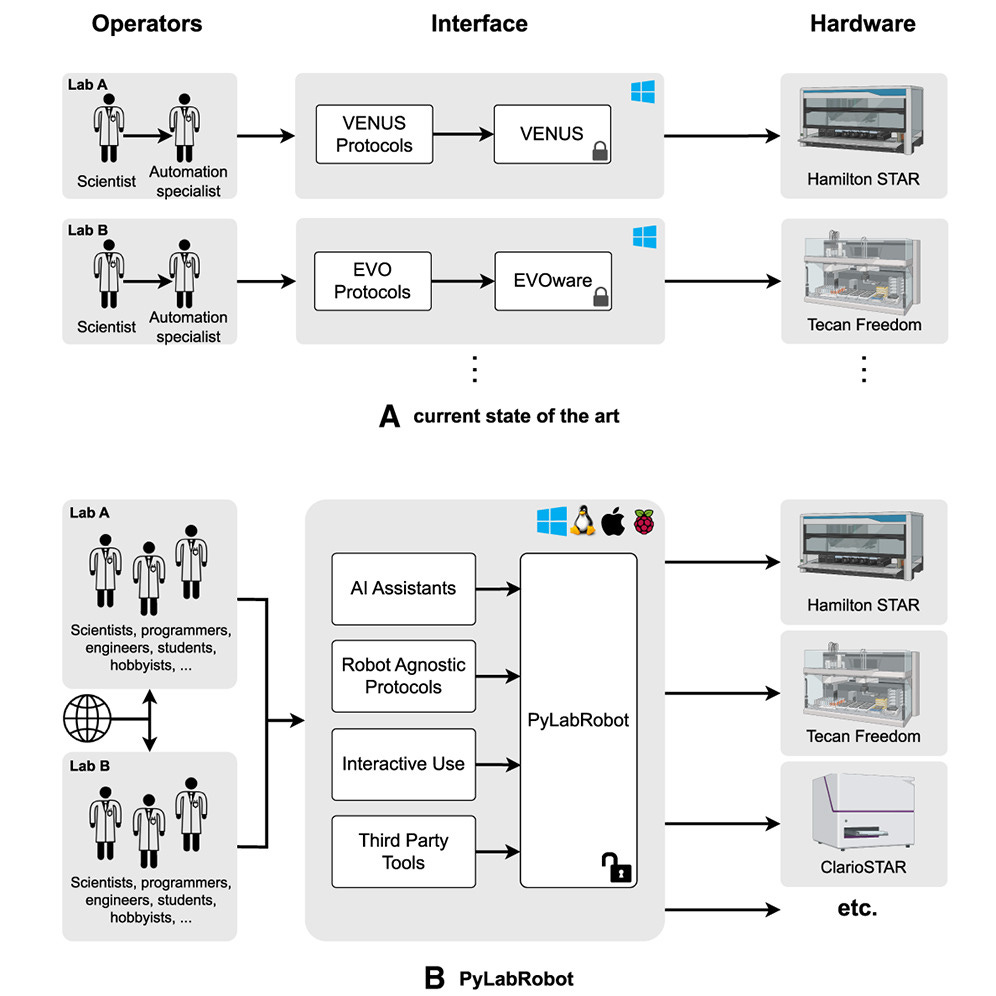
Modern liquid handlers are very capable machines. Yet most of them are programmed using proprietary graphical user interfaces (GUIs) or niche scripting languages, making it difficult to reuse code, collaborate across teams, or integrate automation into the broader computational ecosystem of modern biology. When you compare these to the luxuries of modern languages, it’s obvious that lab automation should be programmed in real programming languages.
We run our automation using PyLabRobot, which is an open-source, hardware-agnostic Python interface for laboratory automation devices. Using PyLabRobot, we control our Hamilton STARlet liquid handler with Python code rather than the vendor’s VENUS software. This approach gives us access to the entire Python ecosystem, from version control and testing frameworks to data science and machine learning tools, as well as more direct control over the liquid handling robot and anything we choose to integrate with it.
The result is automation that is faster to develop, easier to maintain, and far more flexible than traditional approaches.
💬Open-Source Software Is Better for Lab Automation
By writing our automation in Python with PyLabRobot instead of proprietary vendor tools, we get
Faster development and debugging. Interactive Jupyter notebooks let us test individual robot commands without running full protocols.
Real version control. Git-based workflows with line-by-line diffs, pull requests, branching, and rollbacks (no more versioning with USB drives!)
Easier onboarding. New team members only need basic Python skills to get up and running on everything. Plus, Jupyter notebooks provide a great gateway for those less experienced by combining code with Markdown text.
Free scheduling. With integrated drivers, PyLabRobot itself can coordinate multi-instrument protocols, replacing the need for expensive scheduling software.
Modular, reusable code. Small functions compose into complex workflows, rather than monolithic method files common in automation.
AI compatibility. LLMs can generate and assist with Python-based automation far more effectively than proprietary GUI-based scripting languages.
Community-driven improvement. Open-source development is distributed across many labs, not locked behind one vendor’s roadmap.
We’ve put this into practice across several workflows, including setting up inhibition assays and Illumina NGS libraries1, and contributed labware definitions and tooling back to the community2. Our goal is not just to automate our own lab; we want to help build a shared ecosystem of open automation tools.
🪨💸⛓️Here’s What a Normal Automation Stack Looks Like
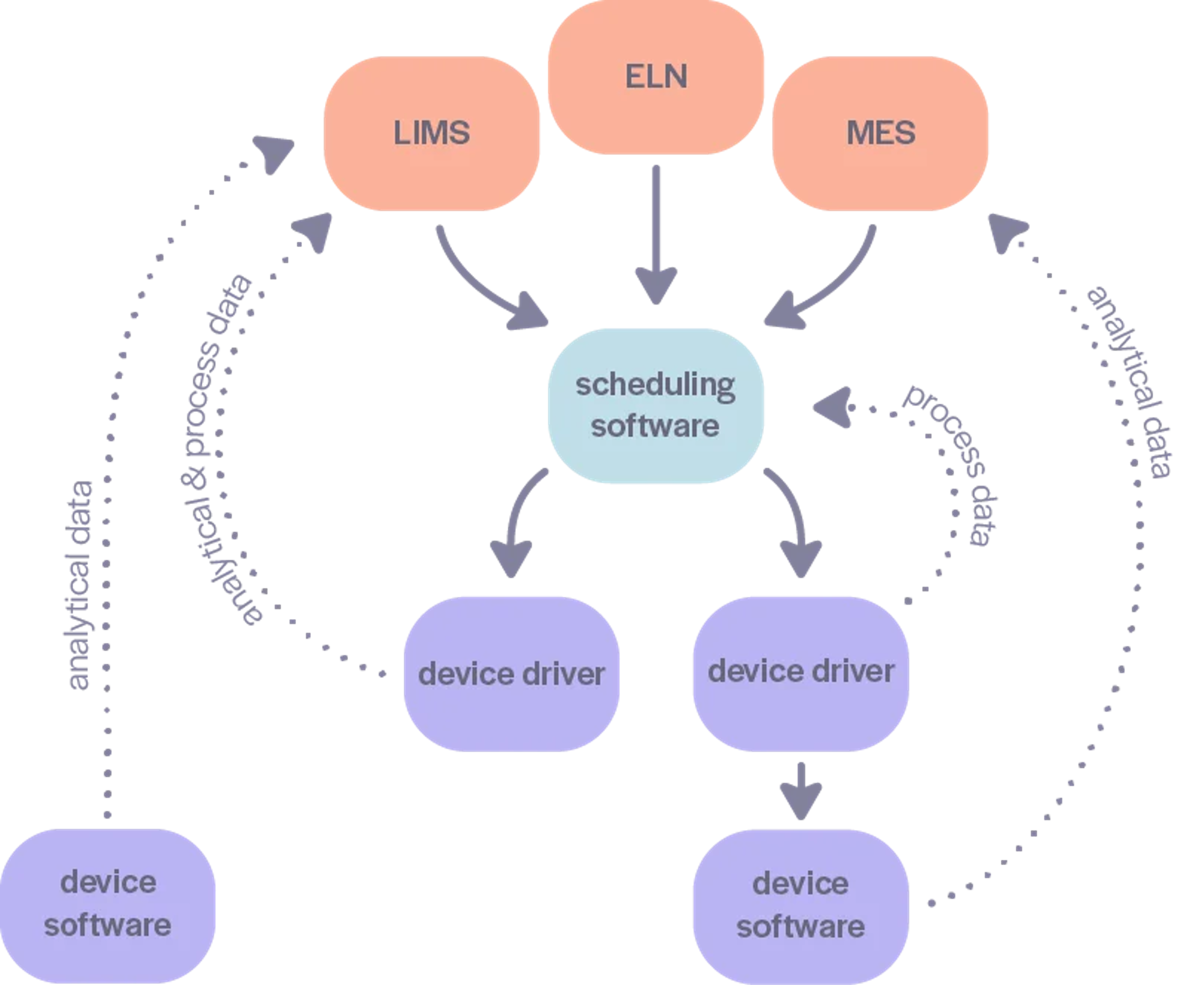
A traditional lab automation setup typically involves multiple layers of proprietary software. Each instrument (liquid handler, plate reader, centrifuge) comes with its own vendor-specific control software, usually a GUI-based application. To coordinate across multiple instruments, you then need an additional scheduling layer (Green Button Go, Agilent VWorks, Cellario, OVERLORD, etc.). These can have an upfront cost of tens or even hundreds of thousands of dollars, depending on the complexity of your system, as well as annual service contracts.
The result is a complex software stack that is hard to learn. Protocols are also generally saved in proprietary binary or complex XML formats, making it difficult to compare changes across files. “Version control” in this case often means a file named FINAL_v3_ACTUALLY_FINAL on a shared thumb drive. Debugging failed runs requires re-running the entire method or creating a separate testing method just to investigate a simple change. Integrating with data analysis pipelines or modern computational tools requires either creating custom connectors between different software components or incurring the overhead of manually exporting .csvs.
This is the status quo. It works, but it’s expensive, slow to iterate on, and difficult to scale.
🏗️ 🧠 Our Automation Philosophy: Open-Source Modular Workflows
We replace all of those layers with Python. Using PyLabRobot, we write reusable functions that follow paradigms familiar to any software engineer. This approach mirrors how much of modern software is built. Larger, more complex systems are constructed using simpler, reusable components.
Development is faster this way. We run automation interactively through Jupyter notebooks, sending individual commands to the robot during development. Testing a small change, such as adjusting an aspiration height, changing mixing parameters, or tweaking a plate’s pick-and-place position, takes seconds. This dramatically speeds up debugging compared to vendor languages, and it means scientists who already use Python for data analysis can quickly learn to write, edit, and execute automation workflows.
Because our automation workflows are written in Python, Python itself becomes the scheduling software layer. This means the same script does both individual device control (liquid handler, plate reader, colony picker, etc.) as well as the higher-level coordination between instruments. Not only is this simpler, it is also avoids the need to purchase additional software solutions.
PyLabRobot also gives us access to real version control with git, which is generally unavailable for commercial systems. This allows us to track changes line-by-line, review changes to our protocols, and quickly rollback to previous versions in the event that something breaks. Collaboration is also much smoother. Instead of emailing (or using a USB to transfer) exported method files, teams can push and pull code directly from a shared repository. This simplifies working across multiple instruments or sites, and allows folks to edit methods simultaneously across instruments without losing any changes.
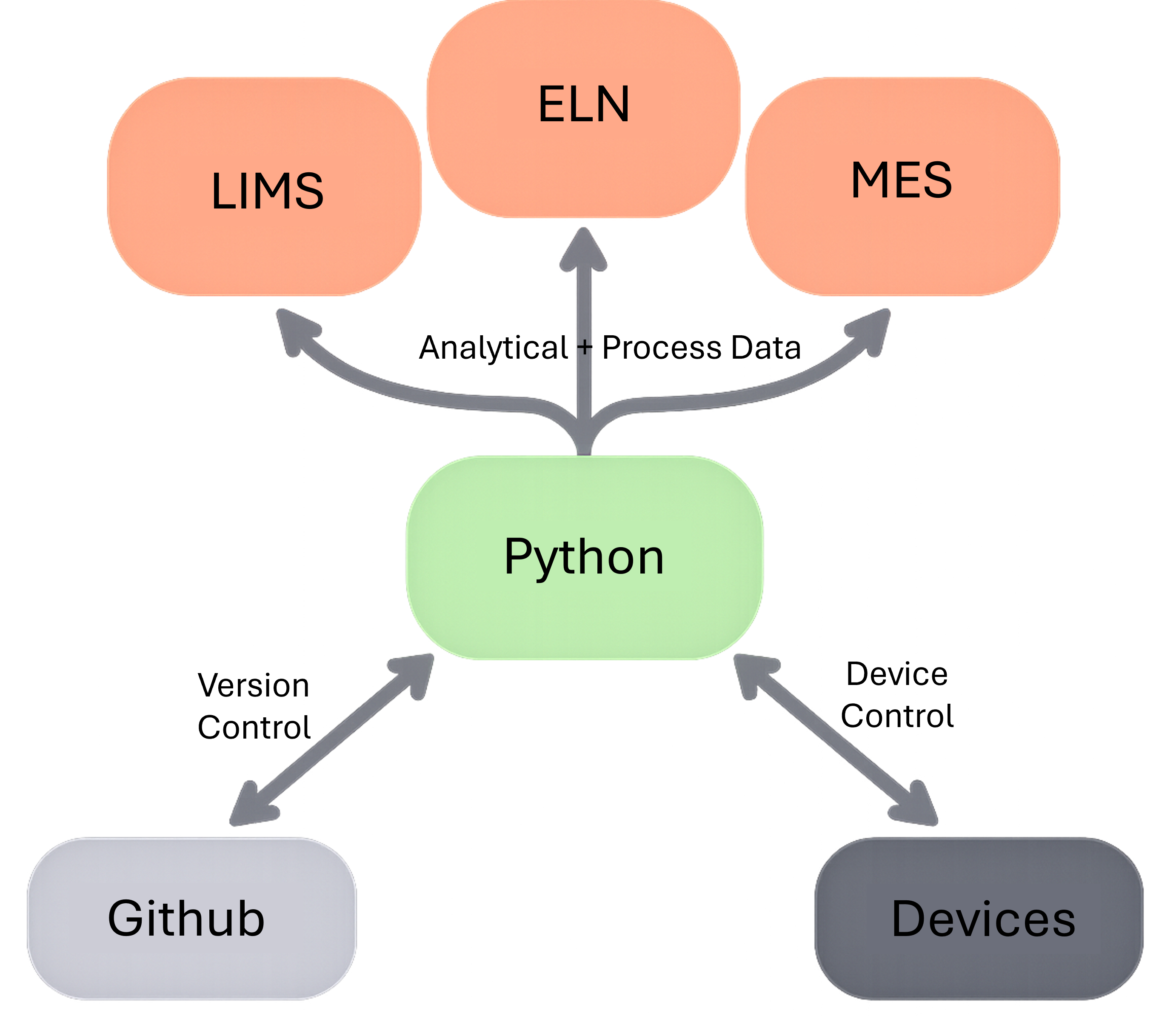
Our analysis tools also exist in Python notebooks, making it very easy to connect downstream pipelines directly to experimental workflows. An automated system can read plate absorbance measurements, calculate dilution steps to normalize wells, generate a liquid handler worklist, and execute the transfers all in a single script. AI coding assistants and LLMs are also far more effective at generating and debugging Python code than proprietary scripting languages, making this entire development loop even faster.
Finally, PyLabRobot is open-source. Open-source software projects often advance faster than proprietary tools because development is distributed across a community of contributors. Instead of one company (which may pivot or go out of business!) maintaining every feature, improvements come from many independent labs solving their own problems. This transparency makes it much easier for us to extend PyLabRobot’s functionality or debug issues than it would be with closed-source tools.
🧑🔬Join the PyLabRobot Automation Community
We believe the future of lab automation will look more like modern software development: open, collaborative, and built on widely used programming languages. With open-source solutions, we get to directly participate in improving the tools we use. That’s why we are contributing to the PyLabRobot community and sharing the workflows we build at Pioneer Labs.
If you’re interested in laboratory automation (or if you’re a programmer who wants to help improve experimental science 👀) we encourage you to explore PyLabRobot and join the growing community around open laboratory automation.
Stay tuned to our Substack for some exciting upcoming science on:
A technique for whole-genome saturating mutagenesis
How to fully simulate soluble Mars soil chemistry in a lab
The first microbes we engineered for better growth on Mars
Using PyLabRobot, we have implemented several automation workflows. While they have been designed for our workflows, we wanted to share one of them that may be useful for other folks - our workflow for preparing Illumina NGS libraries from bacterial cell culture pellets. You can clone the repository here. While the individual steps in these methods are not logistically complex, they involve many repetitive liquid handling tasks. For example, resuspending sticky pellets or consolidating plates in the correct order can be tedious and error-prone when done manually. It includes the custom PyLabRobot (PLR) functions we have defined, Jupyter notebooks for executing specific steps, and a user guide describing the scientific process and how to use the scripts. Feel free to reach out to us or add Issues with any questions!
We have also contributed new resources back to the PyLabRobot community! This includes:
Hamilton 300 µL CO-RE II Wide Bore Conductive Tips, Filter, 1.55 mm Orifice
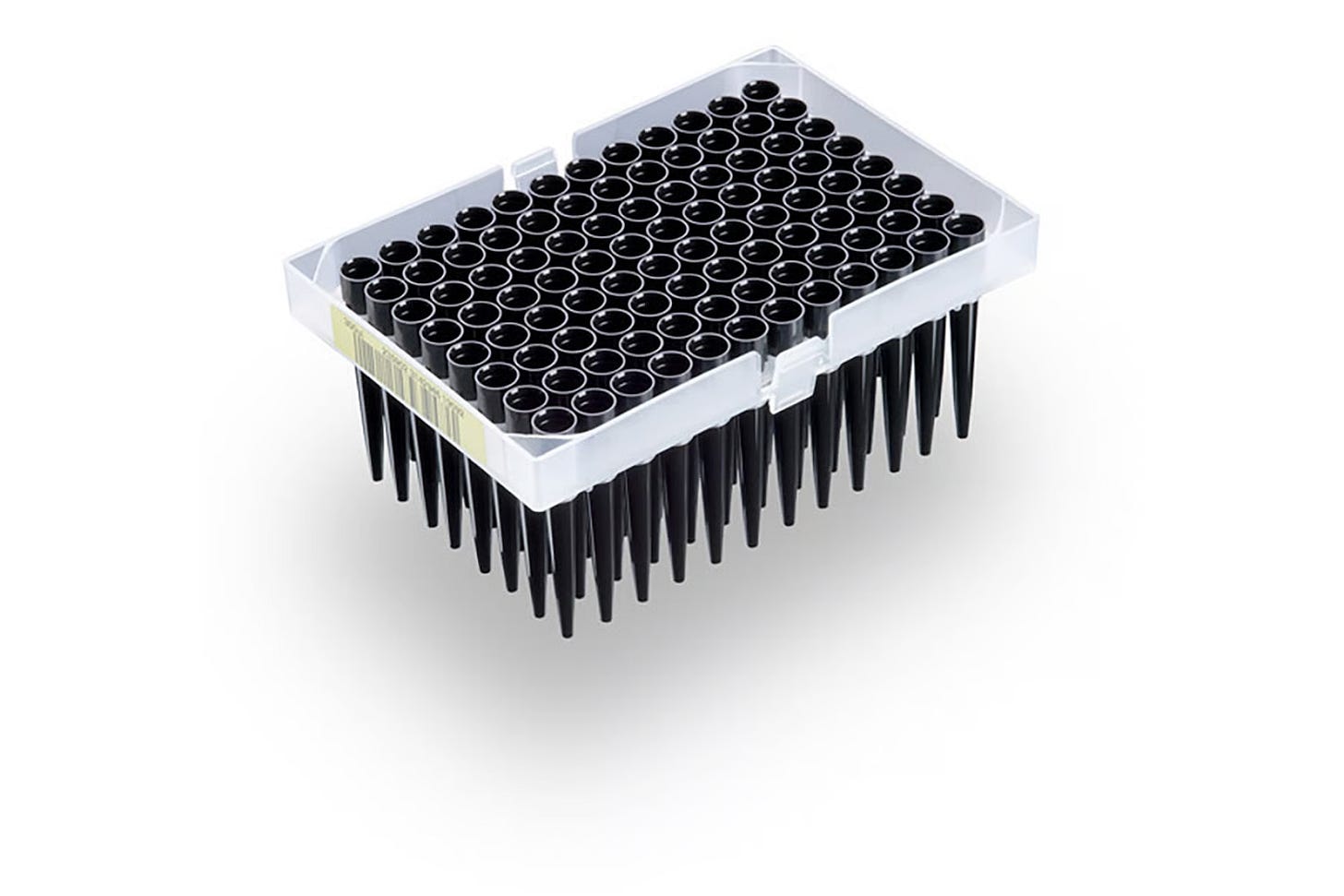
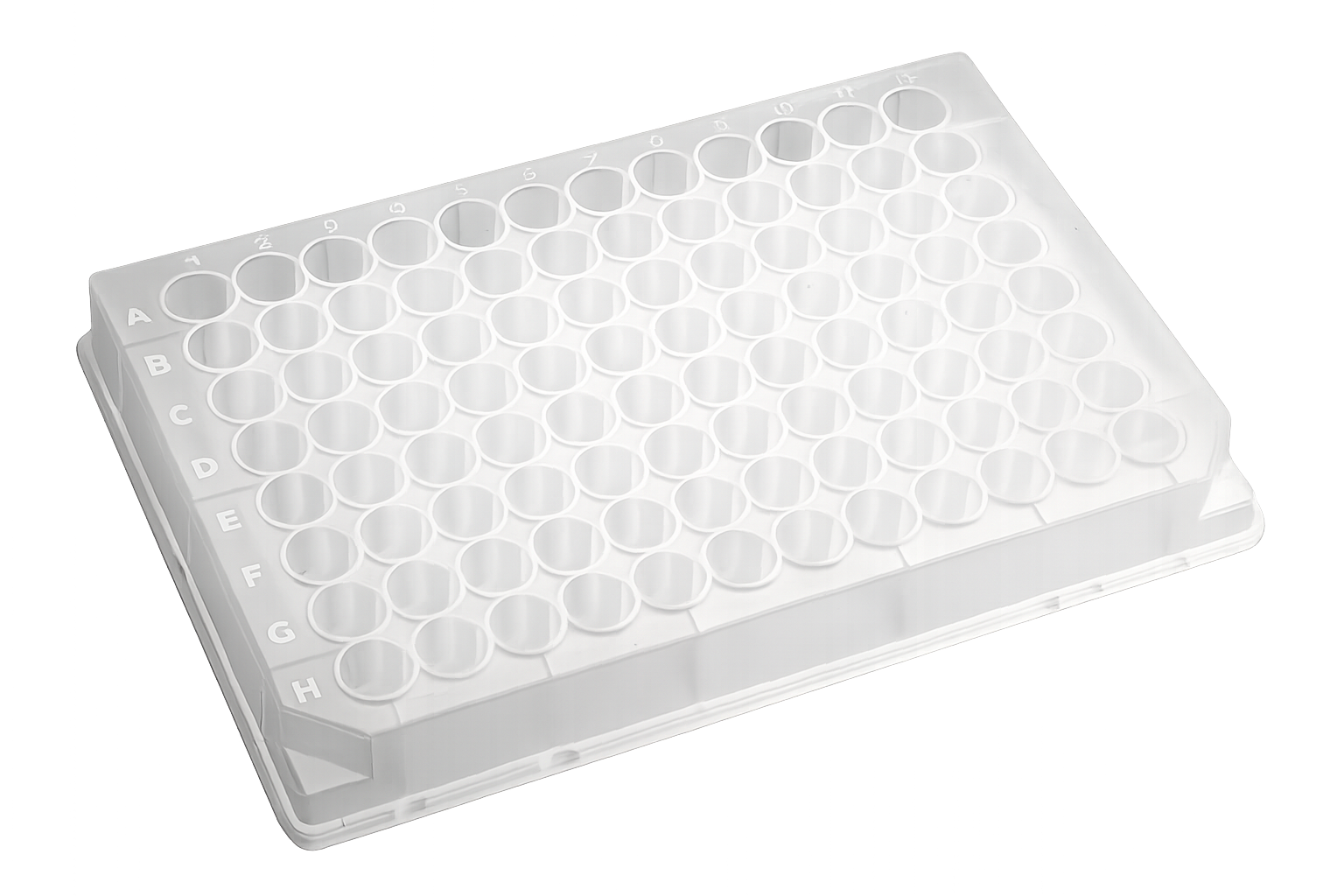
OEM: 235449 PLR Definition: hamilton_96_tiprack_300uL_filter_ultrawide Axygen® 96-well Clear V-Bottom 500 µL Polypropylene Deep Well Plate, Nonsterile
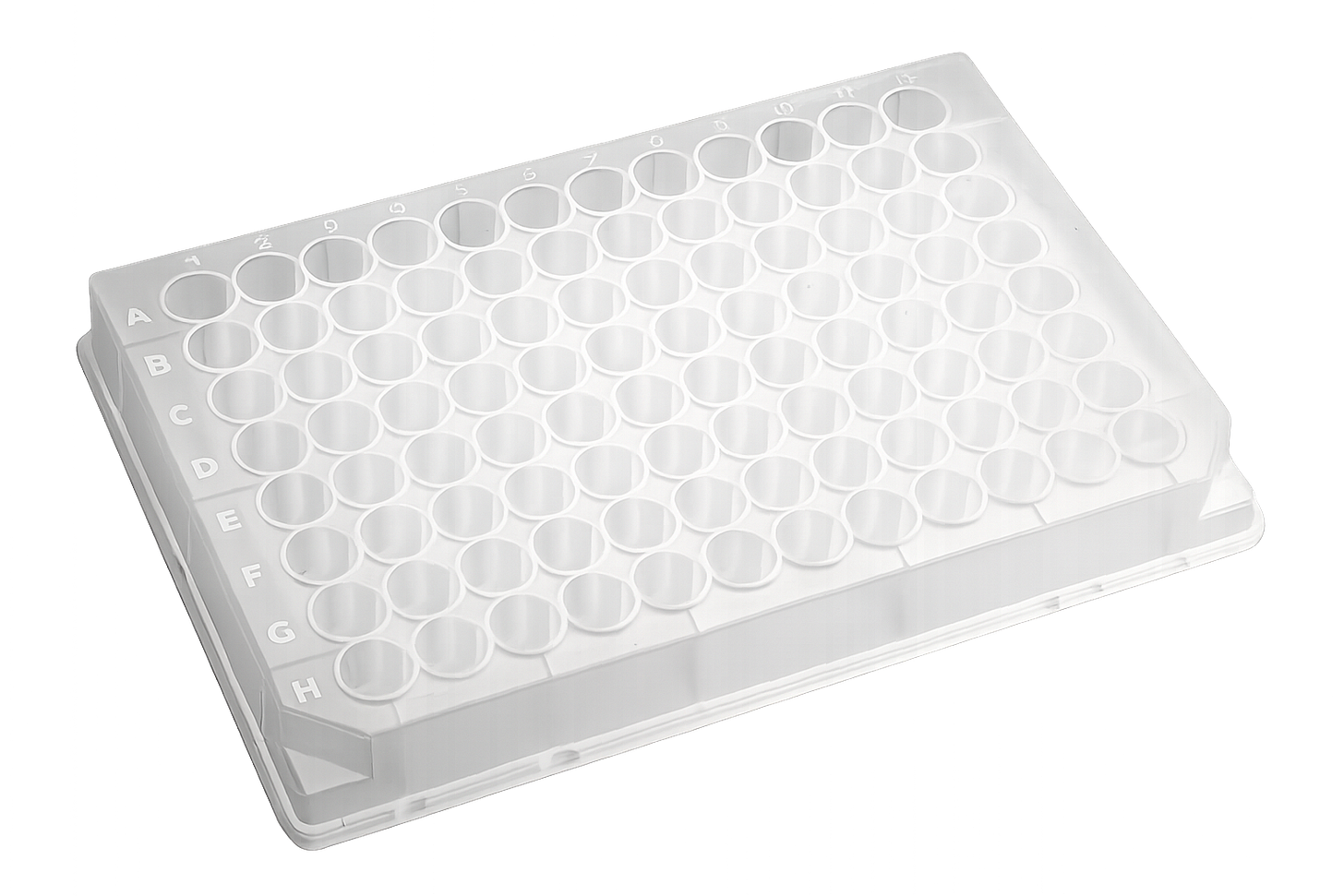
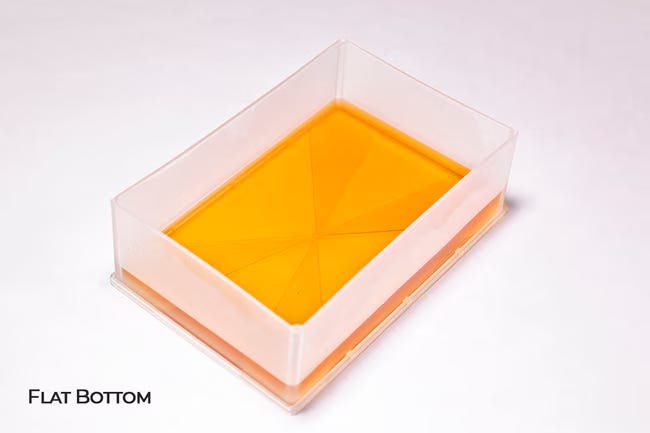
OEM: P-96-450V-C PLR Definition: Cor_Axy_96_wellplate_500uL_Ub Thermo Scientific™ Nalgene™ Disposable Polypropylene Robotic Reservoirs
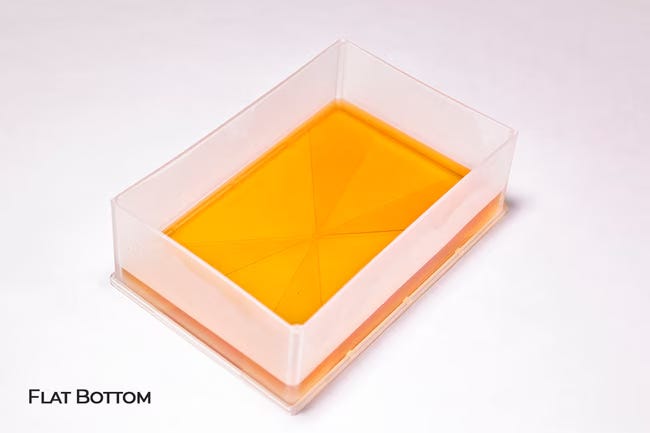
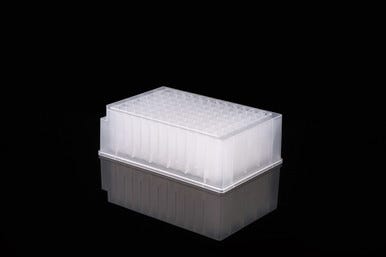
OEM:1200-1301 PLR Definition: thermo_TS_nalgene_1_troughplate_300mL_Fb NEST 2.2 mL 96-Well Deep Well Plate, U-Bottom, Square Well
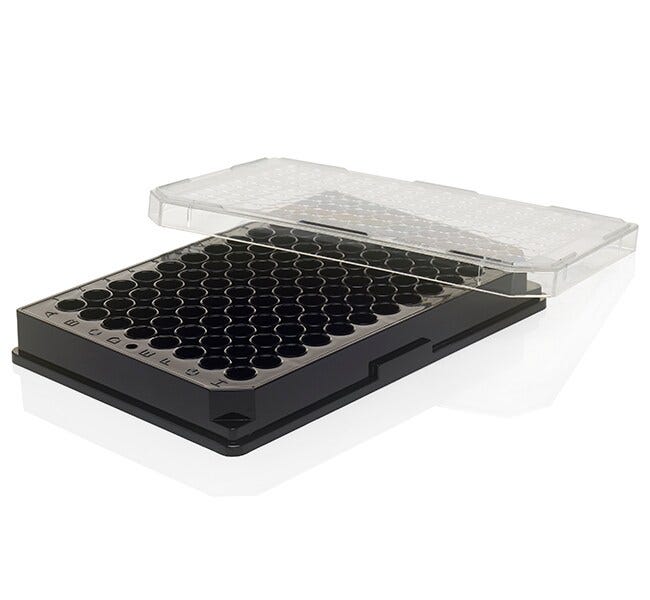
OEM: 503062 PLR Definition:NEST_96_wellplate_2200uL_Ub Thermo Scientific™ Nunc™ 96-Well Optical-Bottom Microplate, black, TC surface, with lid
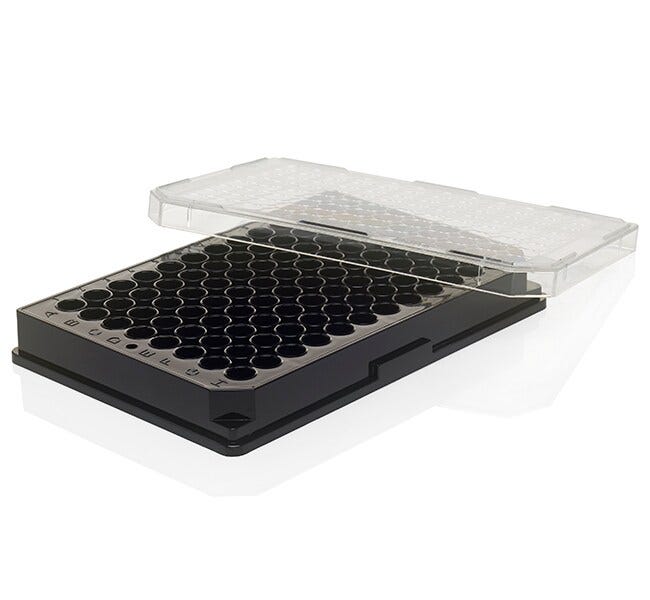
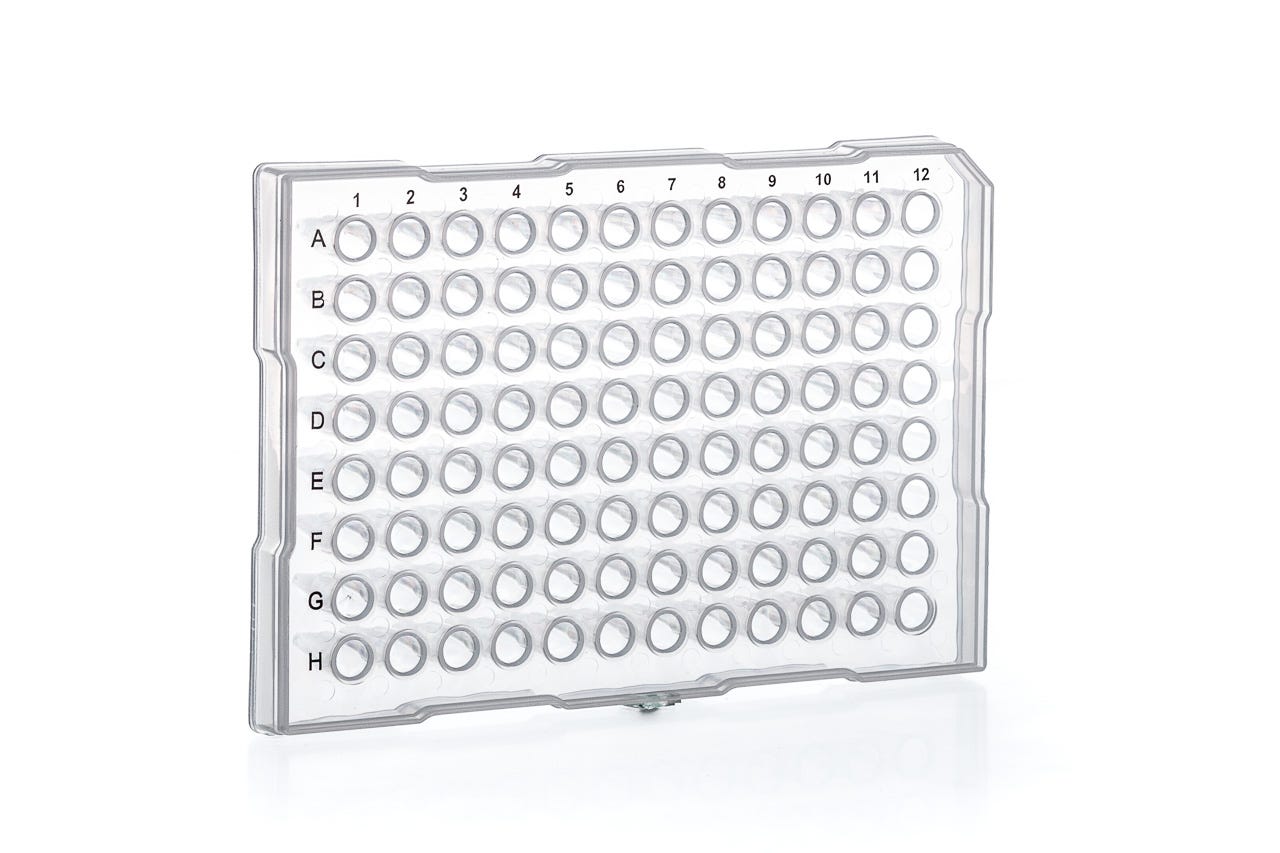
OEM: 165305 PLR Definition: Thermo_TS_Nunc_96_wellplate_300uL_Fb Greiner, Sapphire Microplate, 96 WELL, PP, for PCR, Natural, Half Skirt, ABI Design
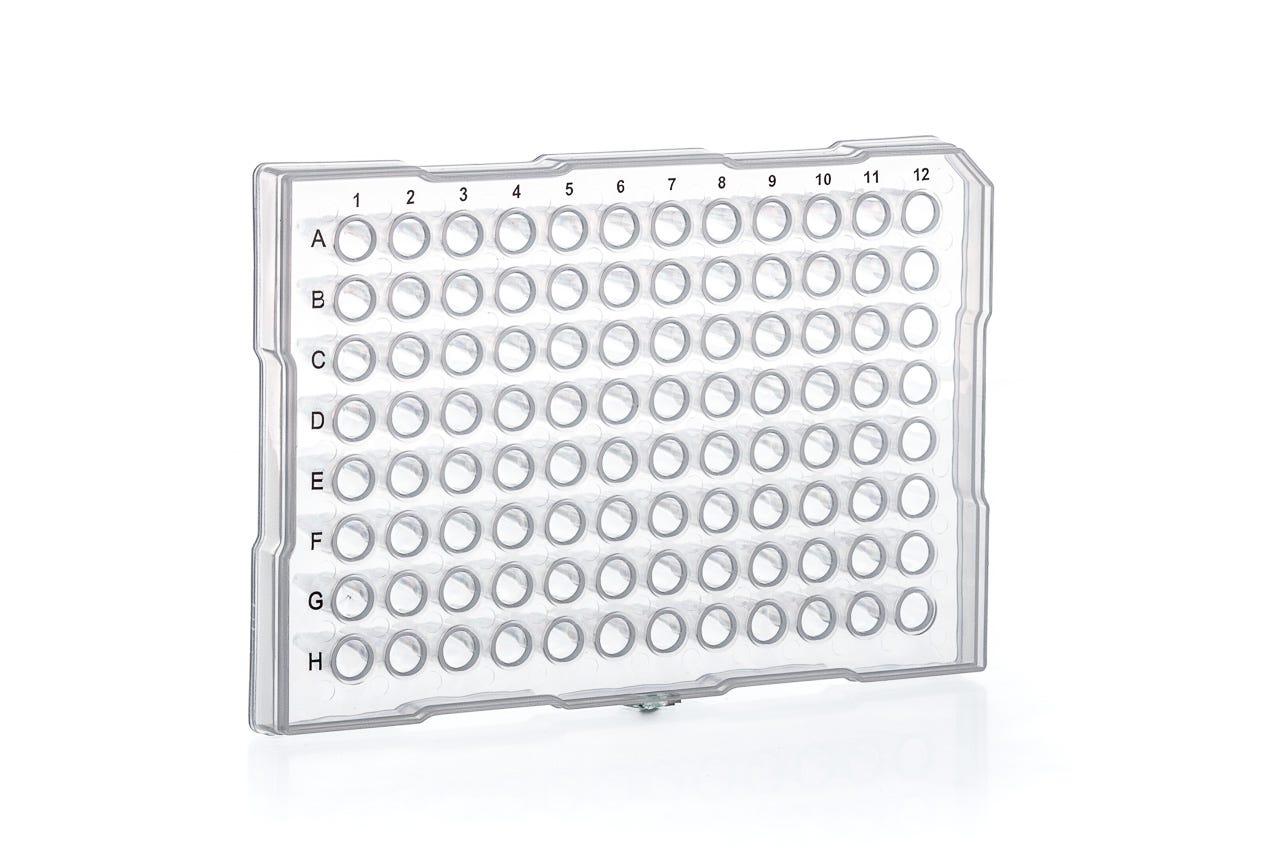
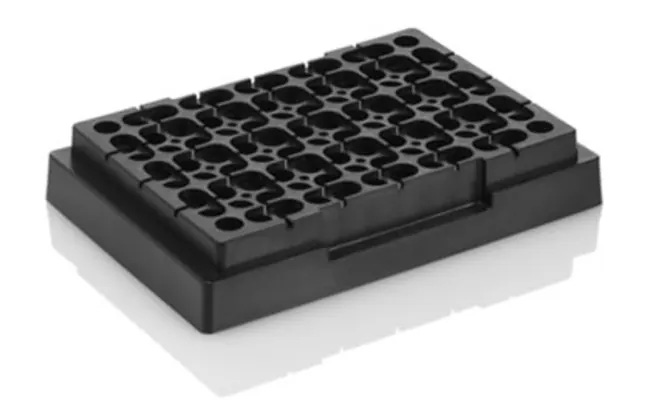
OEM: 652260 PLR Definition: greiner_96_wellplate_200uL_Vb Applied Biosystems™ MicroAmp™ Splash-Free 96-Well Base
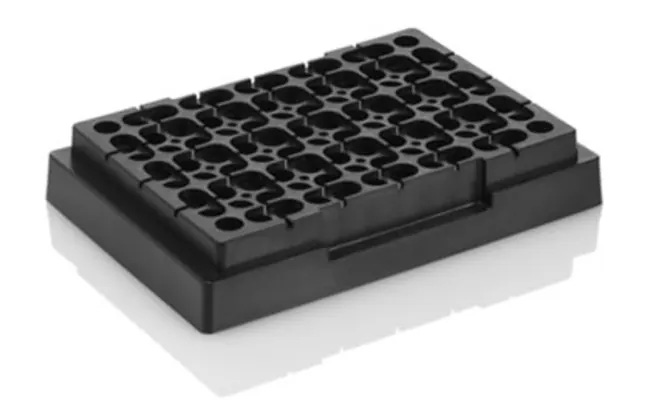
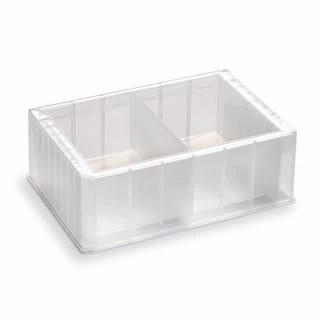
OEM: 4312063 PLR Definition: thermo_AB_96_plateadapter_MicroAmp Agilent Technologies 2 COLUMN RESERVOIR
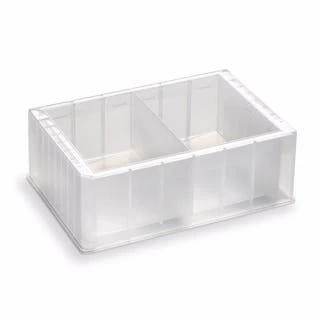
OEM: 203852100 PLR Definition: Agilent_2_reservoir_144ml_Vb
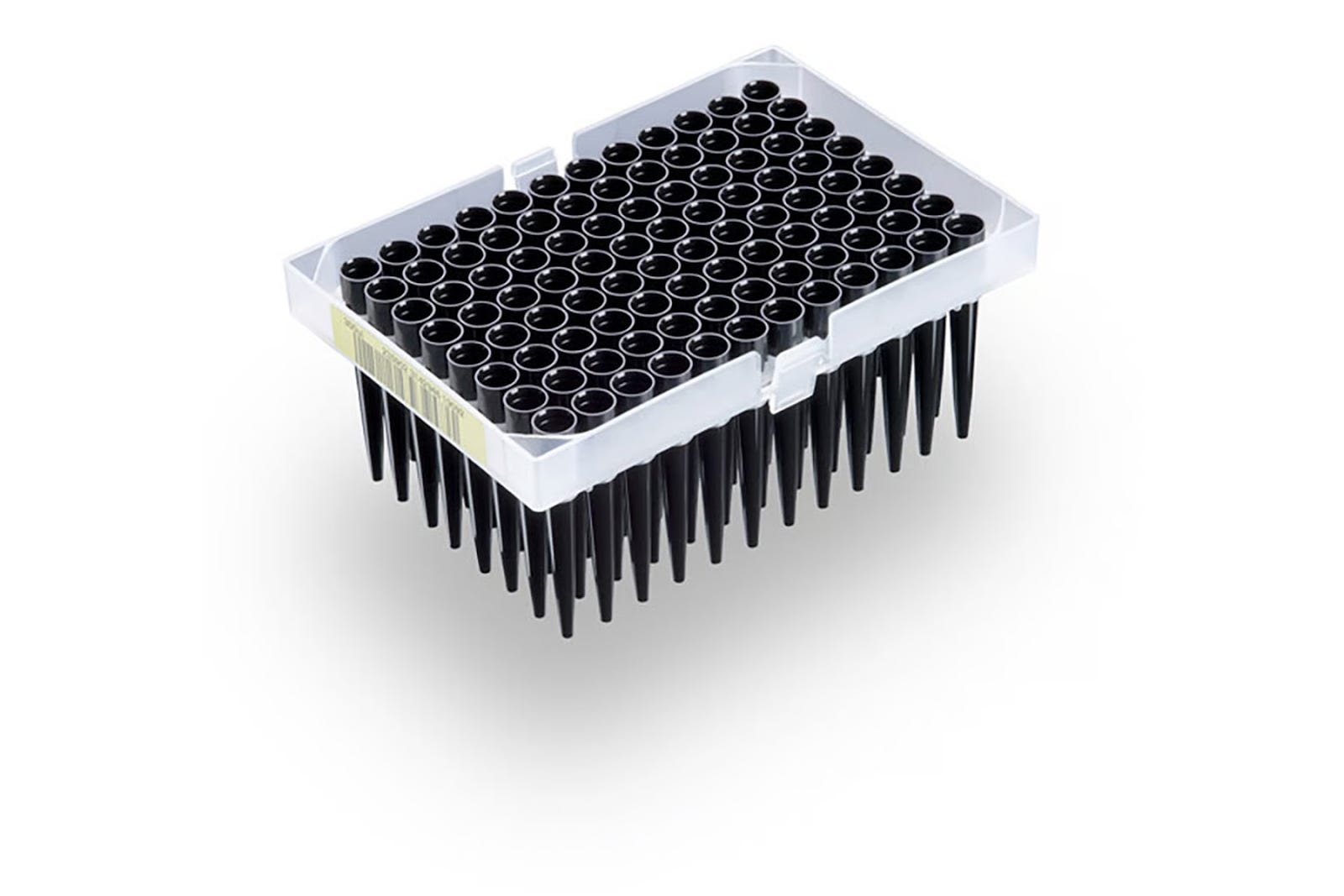
 | A guest post by
|